- Home
- About Us
- Contact Us
- Farmers Information
- Farmer Registration
- How to Sign-up and Login
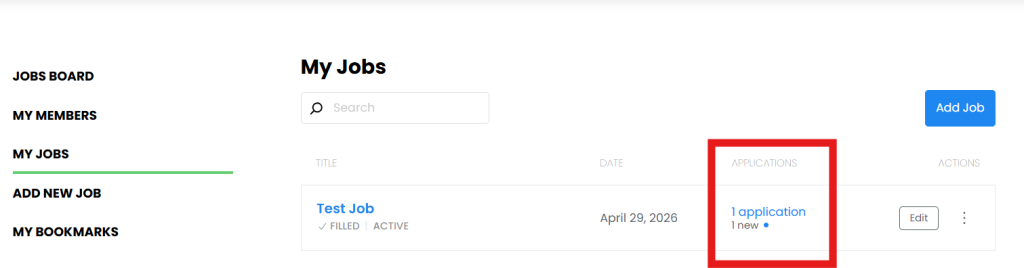
- How to Use the System (Post / Edit / Manage Jobs)
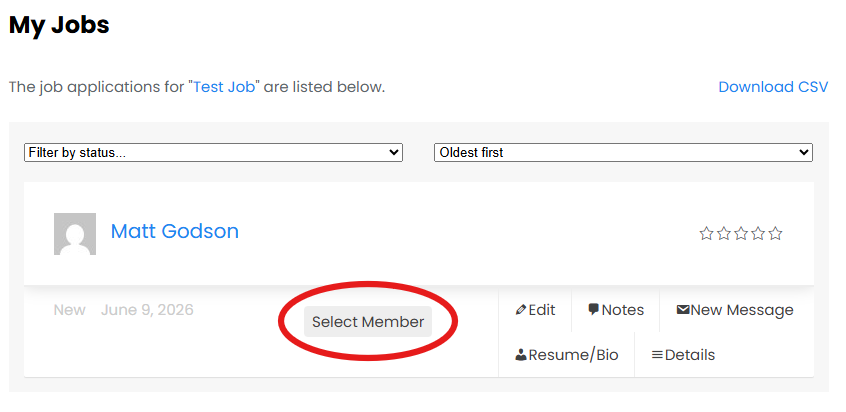
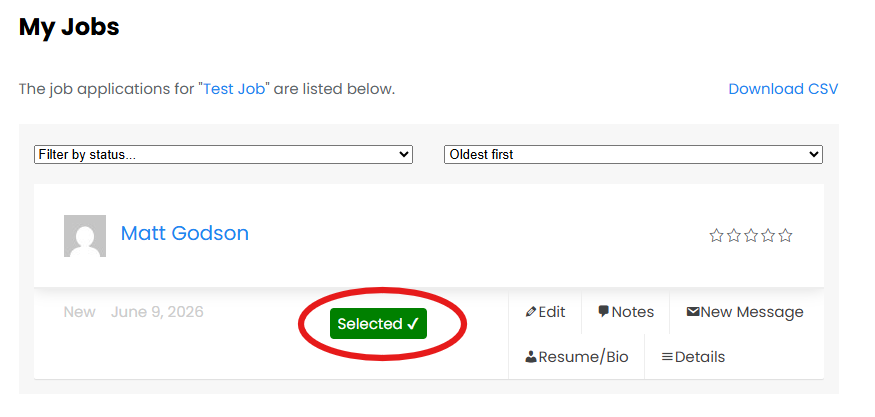
- How to Select Volunteers
- Meet Prospective Volunteers Before Granting Property Access
- How to Mark Job Filled
- Activity Planning and Risk Management Checklist
- Rating Members and Providing Feedback
- Program Rules
- Farm Biosecurity
- Tips for Success
- Testimonials
- Using Kontrak Social to set out conditions of access
- Members
- Program Rules
- Registration Process
- Firearm Proficiency Requirements
- Humane Shooting and Shot Placement
- Navigating the Jobs Board
- Applying for a Job
- Setting up My Alert
- Checking Messages
- Activity Planning and Risk Management Checklist
- Animal Welfare
- Take Your Skills to the Next Level with AHCPMG304
- Using Kontrak Social to set out conditions of access
- Additional Resources
- Pest Control
- Conservation
- Activity Log
- Login